One system for your whole business. As simple as it should be.
Checkout, online ordering, payments, customers and insight — it's all in there. Switch it on and ring up your first order.
14 days free · No credit card · No sales call
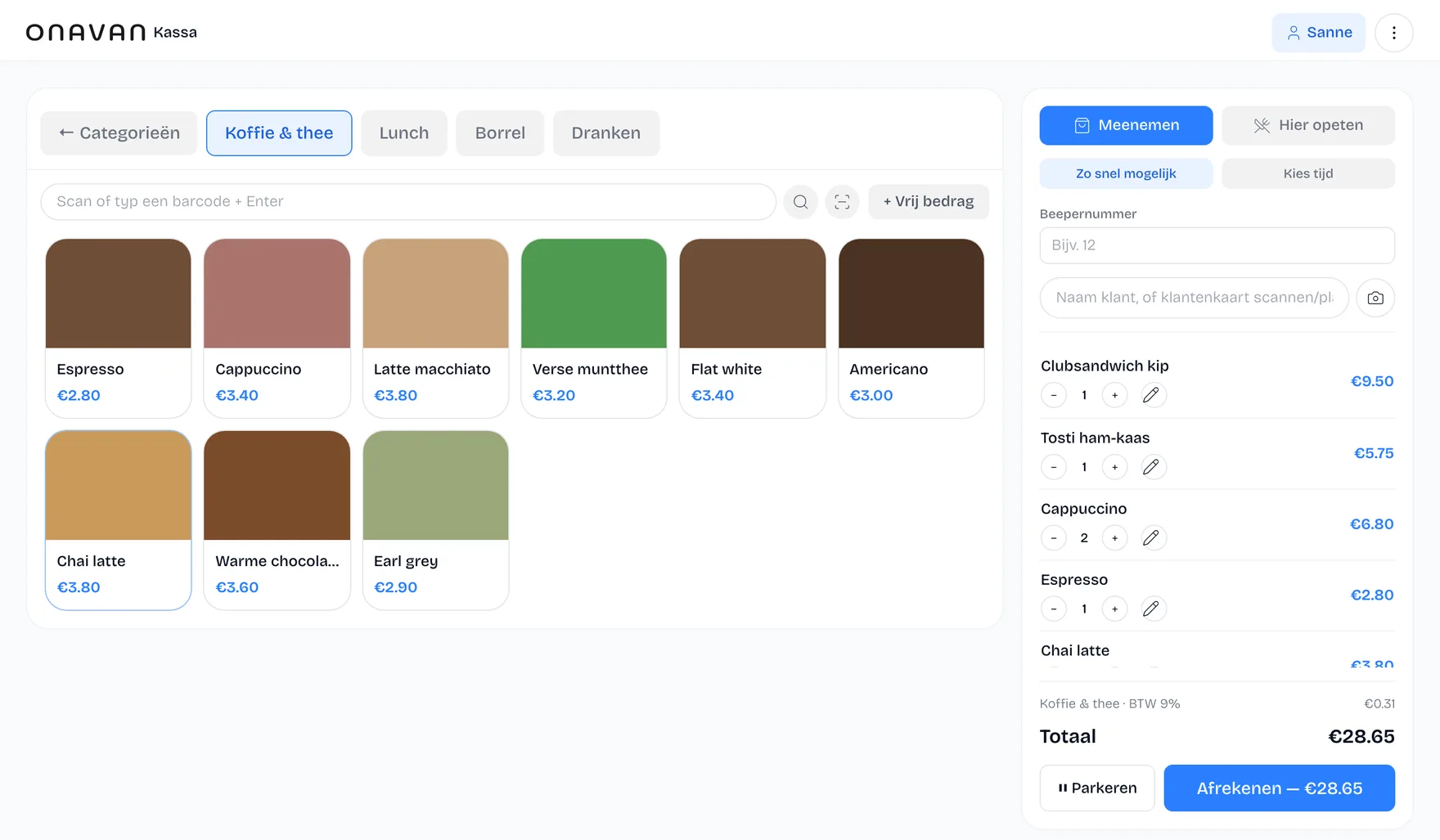
Built for restaurant owners who want to order, checkout and manage — without three separate systems.
Sound familiar?
You don't need yet another system.
Your till is one system. Your online orders another. Your customers live somewhere else. And for your revenue you open yet another dashboard.
- Updating the menu in several places
- Multiple logins
- Checking orders between systems
- Data scattered around
- Separate subscriptions
- Double work
Voor wie
Eén kassa, acht soorten drukte

Sportclubs
Kantine, bardienst en clubfeest — zonder inwerktijd.
Bekijk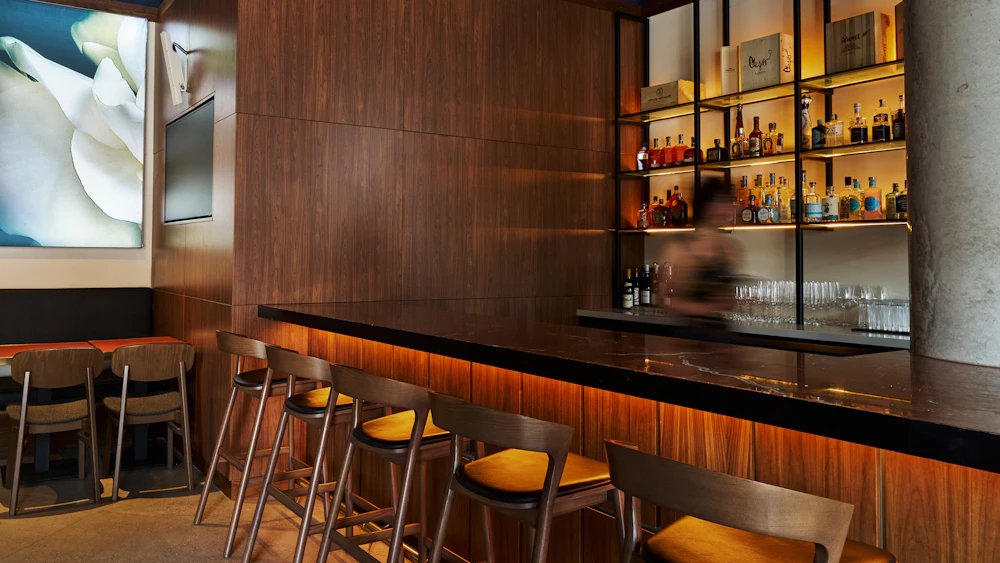
Horeca
Café, restaurant en snelle service in één systeem.
Bekijk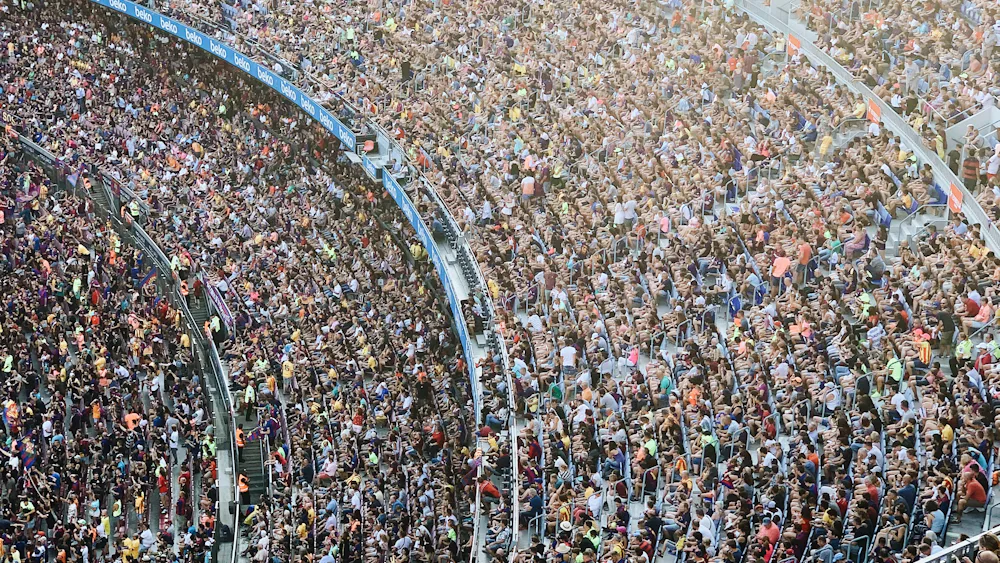
Stadions
Meerdere tappunten, één overzicht, extreme pieken.
Bekijk
Events
Tijdelijke opstellingen die meteen moeten werken.
Bekijk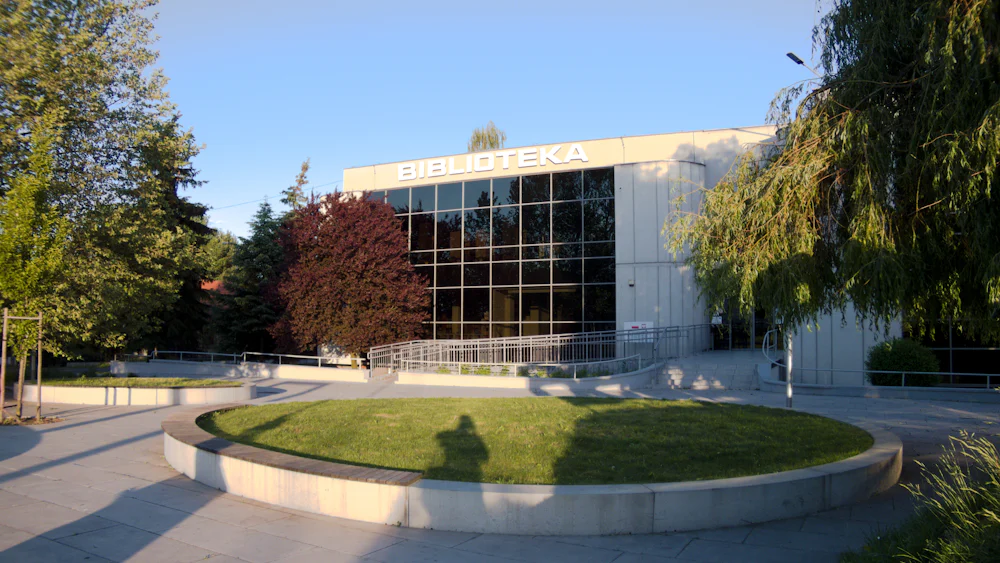
Community
Klein beginnen, met een kas die klopt.
Bekijk
Festivals
Meerdaags, mobiel en meedogenloos druk.
Bekijk
Cateraars
Bedrijfsrestaurants en losse opdrachten, centraal beheerd.
Bekijk
Retail
Afrekenen, voorraad en inzicht in één.
BekijkWhat if everything simply worked together?
That's the idea behind Onavan.

The solution
One system for your whole business.
Your till, online orders, kiosk, customers, stock and reports all run from the same environment — same menu, same prices.
One menu. One login. One overview.
Point of sale
Ring up and check out at the counter or anywhere in the venue.
Online ordering
Your own ordering site, with no commission per order.
Self-order kiosk
Guests order themselves, from the same menu as the counter.
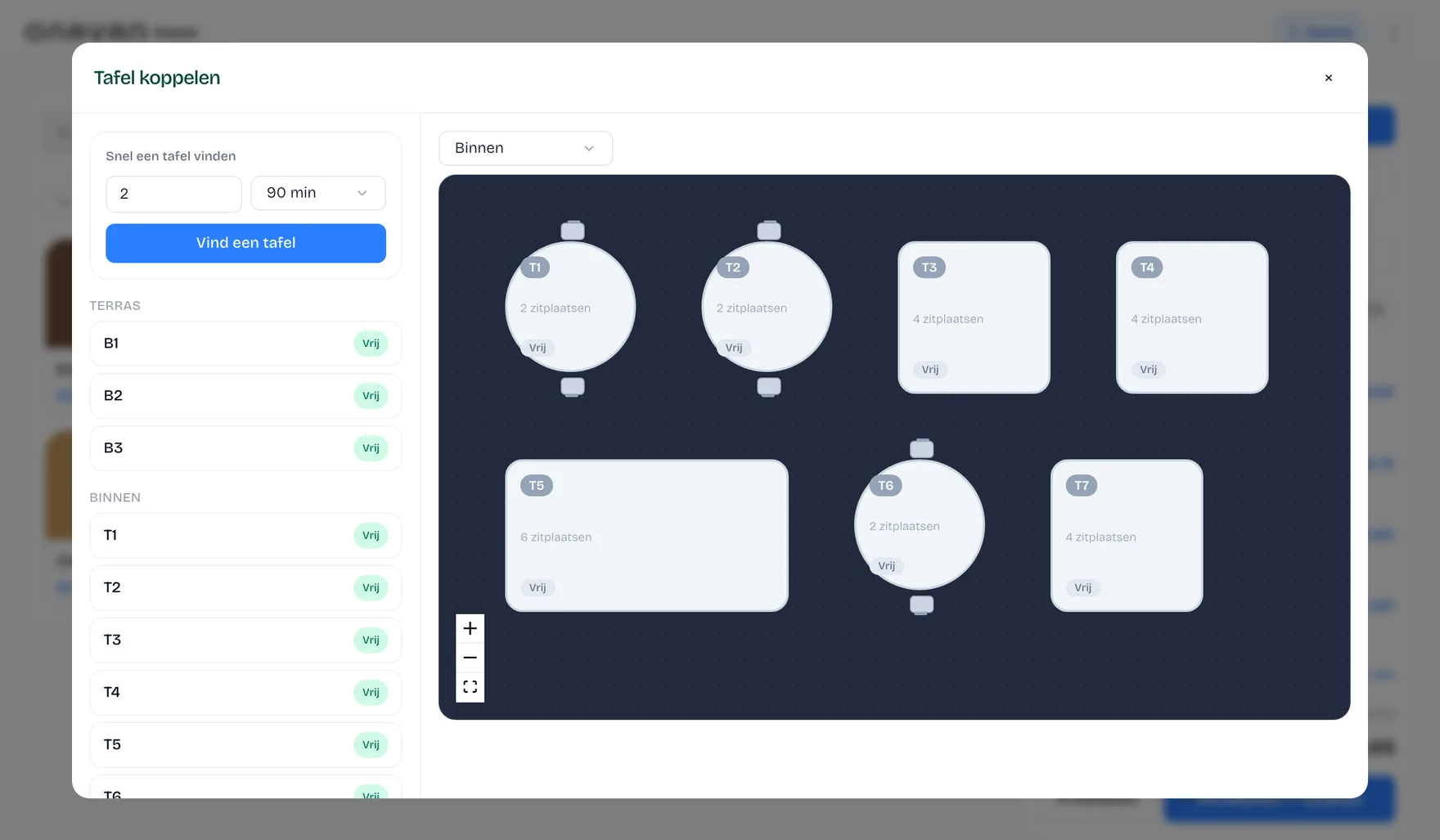
Table management
Floor plan with live status per table.
Customers & loyalty
Customer profiles and points under your own control.
Stock
Stock and food cost per dish.
Reporting
Revenue, margin and orders in one place.
View all featuresHow it flows
From order to payment. Everything flows through.
01
Customer orders
Online, via QR or in your venue.
02
Onavan processes
The order lands straight in your workflow.
03
Team works
Till, kitchen and staff work from the same information.
04
Data updates
Revenue, orders, customers and stock stay current.
The POS
A till that simply does what it should.
Ring up quickly, manage tables, take payments and let your team work without complicated menus.
From guest to closing time
This is how one order travels through your venue.
Table 4 orders online, the kiosk takes payment, the kitchen and the bar each get their own ticket, and your server closes the bill at the table. Play the timeline and see who does what — and which part of Onavan is running at that moment.

What's running right now
Online ordering
Your own webshop, in the same till.
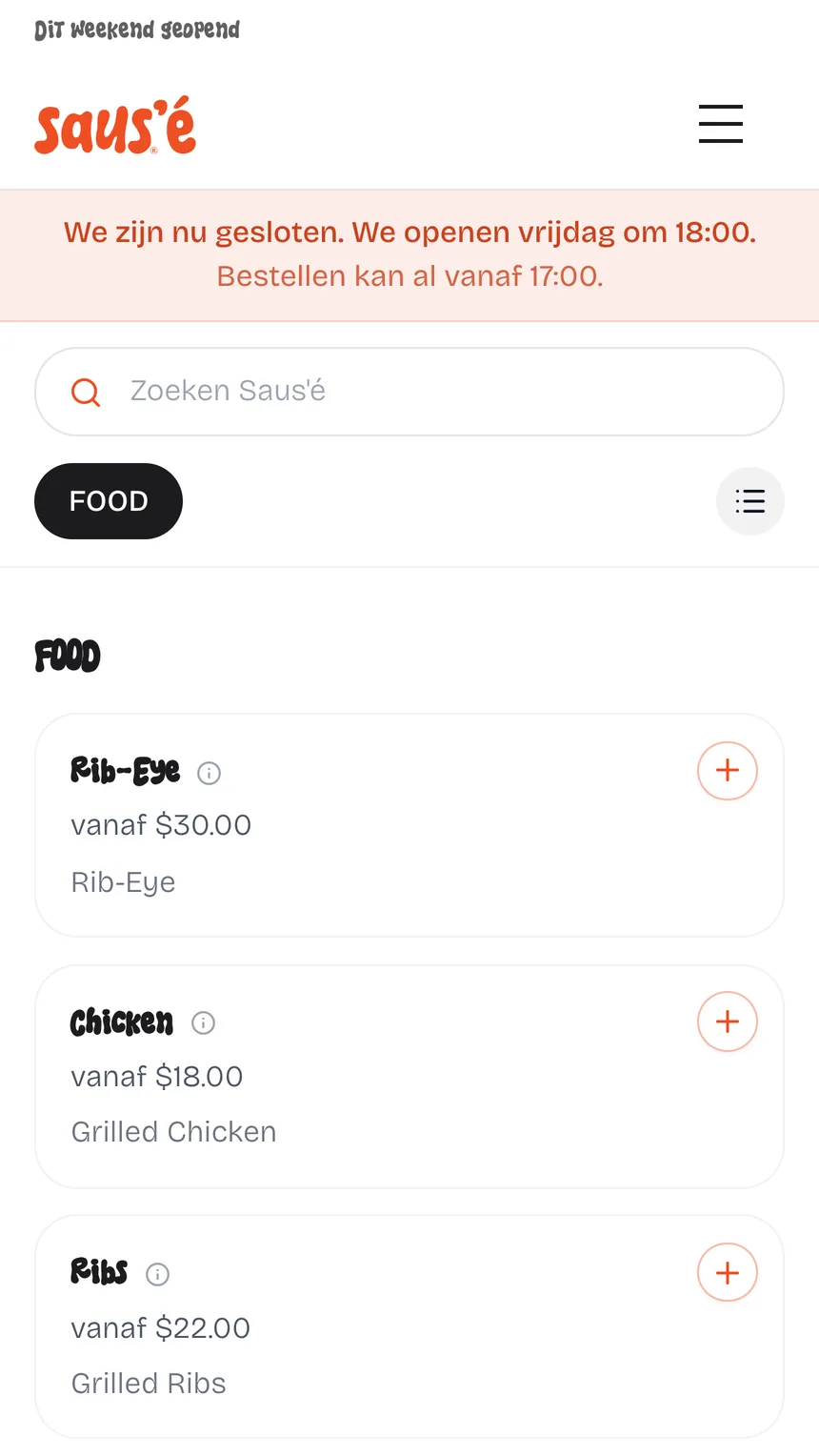
Customers order on your domain, in your branding, and pay through Stripe, Mollie or Sentoo. Every online order lands on the same till and the same kitchen display as what you ring up in the venue — no second system, no commission per order.
Your own webshop
On your own domain, in your own branding.
Stripe, Mollie and Sentoo
iDEAL, card and local methods — you pick the provider.
Straight into your till
Online orders sit alongside the ones from the venue.
The same kitchen display
Webshop, table QR and counter on one screen.
One menu and stock
Prices, options and sold-out match everywhere.
No commission
No percentage per order to a delivery platform.
Your customer base
Your customers are your customers.
Build your own customer base, see order history and reward returning guests — without a middleman keeping your guests from you.
- Customer profiles
- Order history
- Loyalty points
- Digital loyalty card
- Mailings
- Apple Wallet
- Google Wallet

Insight
Know where your business stands.
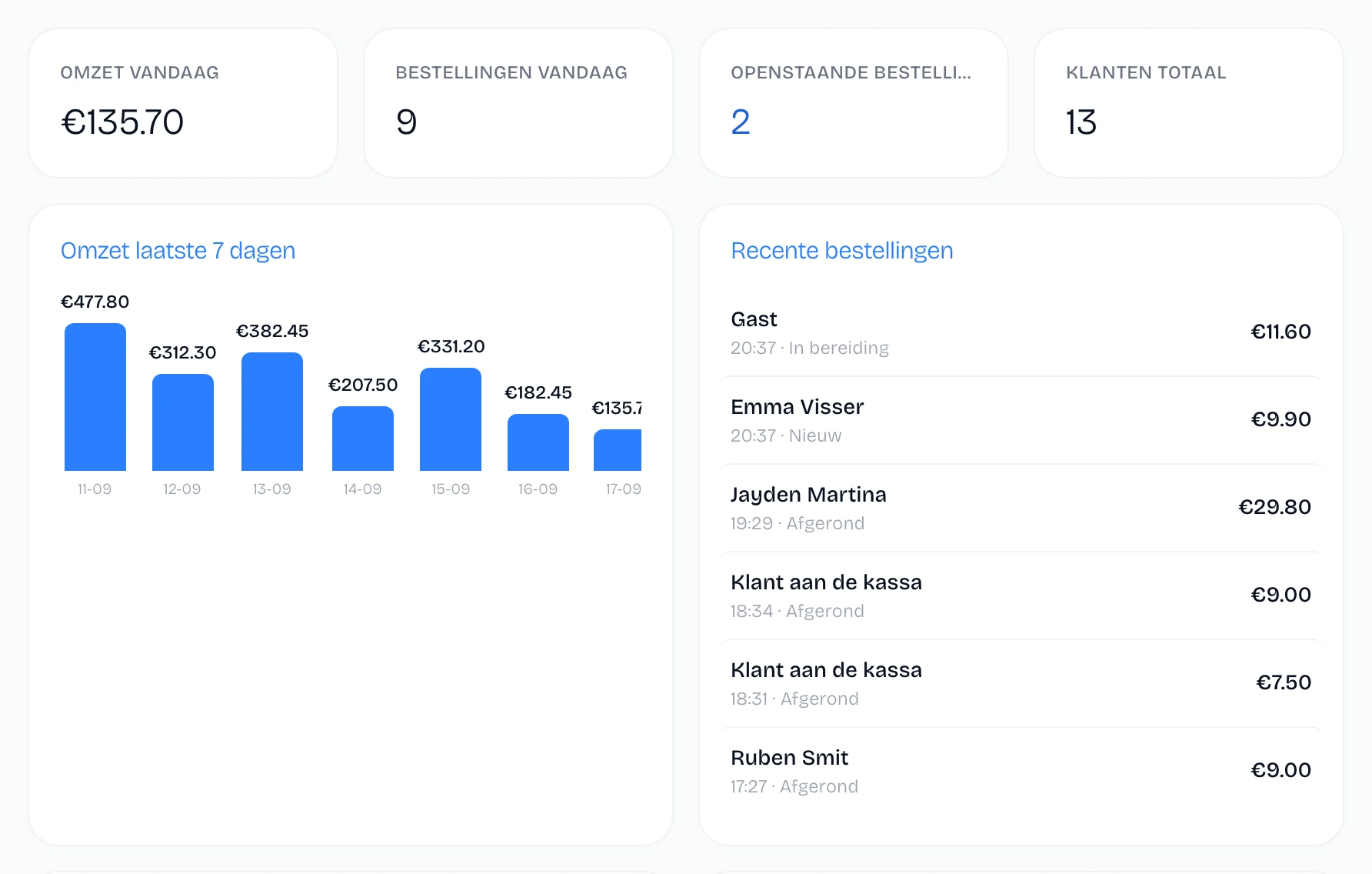
From revenue and orders to stock and margin. The numbers that matter sit in one place, updated by every order that comes in.
- Revenue
- Orders
- Average ticket
- Margin
- Stock
What you get
Fewer systems. Less hassle. More time for your business.
Less double work
You no longer push every change through in several places.
More overview
Important information sits in one place.
More grip on customers
Build a customer base of your own.
Less software
Combine the key parts of running your business.
Proof
No sales pitch. See for yourself.
Onavan is a young platform and we don't put invented reviews on our site. What we can do: let you use the product and publish our numbers openly.
Use the real POS
No video and no sales call — ring up a receipt yourself, in your browser.
Try the POSCompare us honestly
Onavan next to other POS systems, including what we don't do.
See the comparisonCalculate your saving
See what platform commission costs you per month and what you keep.
Open the calculatorWe're looking for our first ten venues. Read how we work together
Do the math
Paying commission on your own guests every month?
Orders via a delivery platform cost you commission — including from regulars who would have ordered from you anyway. With your own webshop you keep that margin.
Calculate your savingsExample
- 300 platform orders per month
- × € 25
- Average platform commission
- 14%
- Commission per month
- € 1.050/month
Example at an average order value of € 25. Enter your own numbers in the calculator — the result is shareable.
Switching
Switching doesn't have to be a hassle.
01
Try Onavan
See whether the workflow fits your venue.
02
Set up your environment
Menu, prices, options and settings — we import your menu with you.
03
Test with your team
Run alongside your current till until it feels familiar.
04
Go live
From that moment your venue runs on Onavan.
Try it yourself
Try the POS yourself.
No demo request. No account needed to take a look first. Step behind the Onavan till and see how it works.
Try the POSRuns right in your browser — no install, no email address.
Pricing
Pricing that grows with your business
You pay by the number of orders per month — starting from € 29 per month.
Starter
Voor startende zaken met regelmatige bestellingen.
€ 29/month
Tot 300 bestellingen/maand
See all pricing & plans
PopularPro
Voor zaken die willen sturen op cijfers.
€ 75/month
Tot 1.500 bestellingen/maand
See all pricing & plans
Growth
Voor zaken die over Pro heen groeien en meer volume aankunnen.
€ 100/month
Tot 2.500 bestellingen/maand
See all pricing & plans
Cancel monthly after the first contract period
Implementation and training included
Updates at no extra cost
Frequently asked questions
What owners ask us most often
What does Onavan cost?
From € 29 per month. The price depends on your number of orders per month — not on your number of devices. All plans and even the payment providers' transaction fees are published openly on the pricing page.
Can I replace my current POS?
Yes. Every start includes an implementation and training session: we import your menu, set everything up, and your team runs Onavan alongside the old till until it feels familiar. Most venues switch fully within two to three weeks.
Do I need to buy new hardware?
No. Onavan runs on common iPads, Android tablets and phones, and works with standard receipt printers over network, USB or bluetooth. Chances are your current devices can come along.
What happens if my internet goes down?
The POS keeps working offline: taking orders and checking out keeps working, and everything syncs automatically once the connection returns.
Can I import my menu?
Yes. During implementation we import your menu with categories, prices and options, so you don't have to retype everything by hand.
Can I use my own ordering site?
You get your own ordering environment in your own branding, on your own address. It's connected directly to your menu and your till, so you maintain one menu instead of two.
How quickly can I start?
You create a free environment yourself and stand behind your own till within a few minutes. For the full setup of your venue we schedule an implementation session afterwards.
Can I cancel monthly?
After the first contract period (quarter or month) the subscription can be cancelled monthly, with one month's notice.
Can I export my data?
Yes. You can request an export of your data, including when you decide to stop.
Switching from another system? Read the switching guide
Done with software that makes your business more complicated?
Try Onavan and see how simple your daily workflow can be.
14 days free · No credit card · No sales call